
Retire The Spreadsheet Nobody Trusts Any More
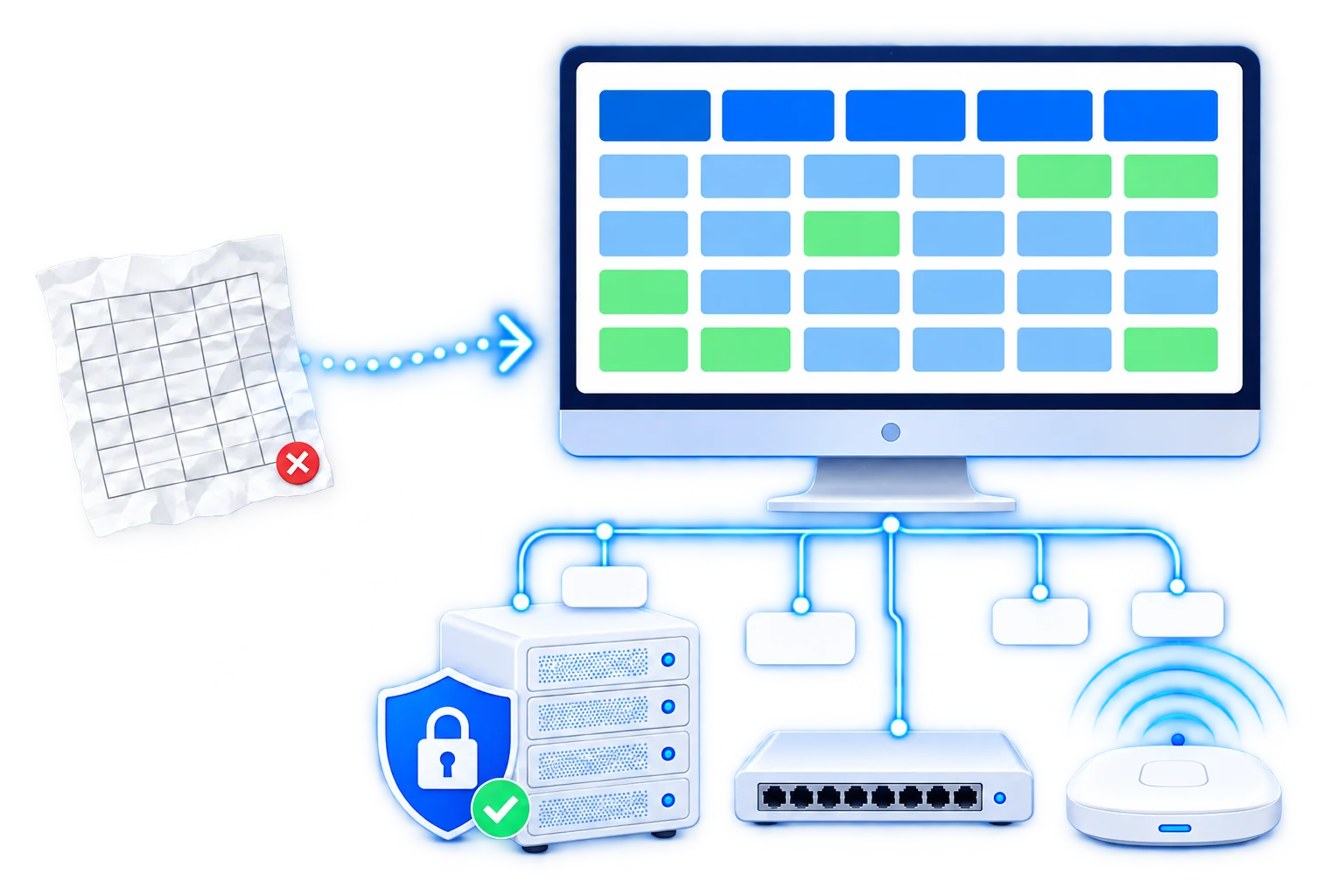
Every network eventually has one. A file somebody started years ago listing which addresses are taken, now three versions old, half wrong, and quietly ignored because nobody believes it. phpIPAM and NetBox replace it with something the whole team reads from and something your scripts can read from too.
Installing either takes an afternoon and the guides cover it well. What decides whether it survives is getting your real network into it accurately, and then having it stay accurate without somebody remembering to update it every time an address is handed out.
Which One You Should Use
They look similar from the outside and they were built for different jobs. phpIPAM is an IP address manager that grew a few extra features. NetBox is a model of your whole network that happens to include addresses.
Both are free, both are actively maintained, and picking the wrong one usually means abandoning it a year later, which is why this is worth ten minutes rather than a coin toss.
phpIPAM
Focused on addresses and subnets and comfortable to use on day one. Somebody who has never seen it can open a subnet, find a free address and mark it taken without being taught, which matters when several people need to keep it current.
- StrengthScanning your subnets on a schedule and showing what is actually answering
- TracksAddresses, subnets, VLANs, racks and a basic device list
- Team fitAnyone can use it, including people who are not network engineers
- Weak spotThe API is workable rather than pleasant, and the data model stops where it stops
NetBox
A record of everything, sites, racks, devices, cables, circuits, interfaces and the addresses on them, all connected. It expects you to describe how the network is meant to be rather than discovering what happens to be there, which is a different habit.
- StrengthAn API built to be used, so scripts and tooling can read and write to it properly
- TracksThe whole estate, down to which cable runs to which port
- Team fitSuits engineers, and needs somebody who cares about keeping it correct
- Weak spotMore to fill in before it is useful, and it does not scan the network for you
The short answer
If you have a spreadsheet and you want it gone, phpIPAM. It gets you to something accurate and shared in a fraction of the time, it can go and find what is on your network rather than waiting to be told, and people will actually use it, which is the only thing that keeps an address list correct.
If you already write scripts against your network, or you know you want to, NetBox earns the extra effort quickly and keeps earning it. And if you are not sure which of those you are, that is the conversation worth having first, because the migration between them later is real work and easily avoided by choosing properly now.
What Actually Gets Set Up
Nine things, and the install is one of them. The rest are what turn an empty database into something your team looks at first rather than last.
Your existing list imported
The spreadsheet, the text file, the notes in a wiki, whatever you have now. Cleaned up on the way in so duplicates and long dead entries do not follow you into the new system, and anything ambiguous flagged for you to decide rather than guessed at.
Subnets laid out to match reality
Sites, VLANs and address ranges structured the way your network is actually organised, with room left for growth. Get this wrong at the start and everything after it is fighting the shape, which is the usual reason a second attempt gets abandoned too.
The network scanned for what is really there
Discovery run across your ranges so the system finds what is answering rather than trusting the list. This is where people find forty addresses marked free that are not, and a dozen marked taken by machines retired years ago.
Scanning on a schedule
Regular sweeps so a new device appears without anybody adding it and a decommissioned one stops looking alive. An address list is only worth having while it is current, and this is the difference between current and slowly rotting.
Pulled from the equipment you run
Device names, interfaces and VLANs read from switches and firewalls over SNMP or their API where they support it, so the inventory reflects the network rather than somebody's memory of it. Set up for the kit you actually have.
Connected to your other systems
The API opened up and tested so your scripts, your monitoring or your provisioning can ask which address is free and record what they take. On NetBox this is the whole point, and on phpIPAM it works fine for the common cases.
Who can see and change what
Accounts tied to your existing directory where you have one, with editing limited to the people who should have it and read access for everybody else. A record everybody can break is one nobody will trust.
Views that answer the usual questions
Free space per subnet, what is running out, what changed this week, and a search that finds an address or a device without anybody clicking through a tree. Built around the questions your team actually asks.
Backed up, secured and documented
Certificate installed, the server hardened, database backups running with a restore tested, and short notes on adding a subnet or a site. It holds the map of your network, so losing it matters more than most small systems.
The part that decides whether this lasts
An address list is only useful while people believe it, and belief is lost the first time somebody finds it wrong. Scanning covers most of that automatically, and the rest depends on the handful of moments where a person has to record something the network cannot discover on its own, a reservation made in advance for instance.
So the habit is worth agreeing at the start rather than hoping for. If nobody there wants to own it, scanning and the integrations carry more of the load, and we set it up that way deliberately. This sits naturally alongside the network configuration work, since the inventory is far easier to build while somebody is already reading the switches.
Packages And What They Cost
Priced per job, paid once, with nothing recurring since the software is free and it runs on your own server. Pick by how much of your network is going in and whether anything else needs to read from it.
Install And Load
phpIPAM or NetBox running properly with your existing list imported and your subnets laid out. The version most people need.
- Installed on your server, or one we set up
- Whichever of the two suits you, chosen together
- Your existing list imported and cleaned
- Sites, VLANs and subnets structured for growth
- A first discovery scan across your ranges
- Accounts created with editing limited properly
- Certificate, hardening and backups running
- Written notes on adding a subnet or a site
Kept Current
Everything above plus the automation that stops it drifting, which is the part that decides whether anyone still trusts it next year.
- Everything in Install And Load
- Scheduled scanning so new devices appear on their own
- Switches and firewalls read over SNMP or their API
- VLANs and interfaces pulled from the equipment
- The API opened up and tested with a working example
- Views built around the questions your team asks
- Sign in through your existing accounts
- A session showing the team how to use it
Large Or Custom
Many sites, a large estate to model, automation reading and writing to it, or an existing install that has drifted out of date.
- Any number of sites, racks and devices
- Full estate modelled down to cables and ports
- Scripts and provisioning wired into the API
- Monitoring fed from the inventory automatically
- An existing phpIPAM or NetBox audited and corrected
- Migration between the two where it is genuinely needed
- Documentation your own people can work from
Added To Any Package
- Each additional site beyond the package $100
- Cleaning up a large or messy existing list $100
- A custom integration with one of your systems $250
- Moving from phpIPAM to NetBox or back $150
- Kept updated and patched, monthly $300 / mo
Both are free and open source with no licence attached to anything we hand over. A small server runs either comfortably for most networks, so the ongoing cost is usually five to fifteen dollars a month billed to you directly, or nothing at all if it goes on a machine you already run.
Send Us The Spreadsheet And We Will Tell You Which One Fits
However many sites you have, roughly how many addresses are in play, and whether anything else will need to read from it later. The list you keep now answers most of that on its own, however out of date it is, and nobody is going to judge the state of it. If you already have phpIPAM or NetBox running and it has drifted, say so and we will look at what it would take to make it trustworthy again.
Talk about your network