
A VPN App That Is Yours, Panel And All
Android and iOS, built around WireGuard and OpenVPN, with the server list pulled live from an admin panel you control. Free and paid tiers, in app subscriptions, banner and interstitial placements, a speed display on the connection screen, and the ability to add or retire a server without shipping an update.
The build is the predictable half. What sinks most of these is the store review, because app stores treat VPN apps as a special category with their own rules, and an app assembled without those rules in mind gets rejected or pulled after launch. We build to them from the first commit rather than patching afterwards.
What Actually Gets Built
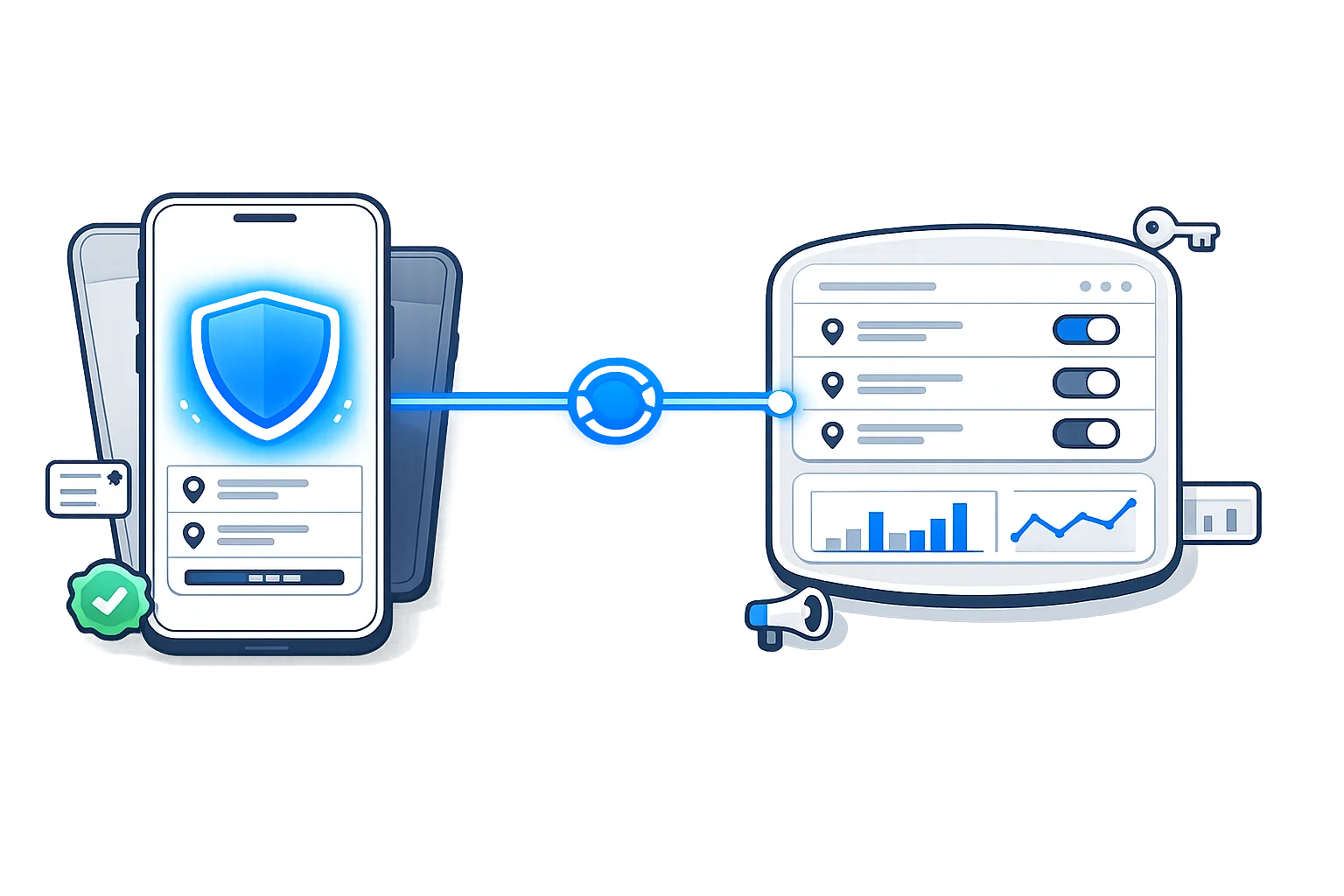
Three pieces, and the one people underestimate is the middle one. Anybody can put a connect button on a screen. Keeping a live server list, a subscription state and an ad configuration in sync across thousands of installs is where the actual work sits.
Connection screen people understand
One large control that connects and disconnects, current server shown, and a state that is honest about what is happening rather than sitting on connecting forever. Most support messages a VPN app receives come from a screen that failed quietly.
Server list, live from your panel
Grouped by country with free and paid tiers marked, ordered however you decide, and fetched at launch. Adding a server or pulling a dead one takes effect for everyone without you shipping a release and waiting on review.
Speed shown while connected
Live throughput on the connection screen and a ping figure per server in the list, so people pick something that works rather than guessing from a flag. Measured on device, which is the only honest way to do it.
Protocols underneath
WireGuard as the default because it is fast and reconnects cleanly when a phone moves between wifi and mobile data, with OpenVPN kept as the fallback for networks that block it. IKEv2 added where you want the system client used instead.
The behaviour people expect
Reconnect after a reboot, a kill switch so traffic stops rather than leaking when the tunnel drops, split tunnelling on Android where you want it, and a default server that connects on open without a second tap.
Android and iOS, or one of them
Native builds by default, since the tunnel APIs are platform specific and this is where native still earns its place. A shared Flutter codebase is available where budget matters more than the last ten percent of polish.
Servers added and retired from a browser
Name, country, flag, tier and credentials, all editable without touching code. A server that goes down gets hidden in seconds instead of sitting in everyone's list generating one star reviews for a week.
Ad placements switched from the same place
Each unit turned on or off, frequency capped, and paid users excluded automatically. Ad settings hard coded into a release means every change waits on a review cycle, which is how apps end up over serving and getting complaints.
Users, subscriptions and simple numbers
Who is subscribed, what expired, how many installs are live and which servers actually get used. Enough to run the business and decide where the next server goes, without turning into an analytics product of its own.
In app subscriptions done properly
Weekly, monthly and yearly tiers wired through Google Play Billing and StoreKit, with receipts verified on your server rather than trusted from the device. Client side checks are the reason plenty of apps quietly give away paid access.
Ads placed where they do not cost you users
Banner, native and interstitial through AdMob, with the interstitial fired on a moment that suits the flow instead of over the connect button. Ads on the wrong screen lose more revenue in uninstalls than they earn in impressions.
Refer and earn, if that is your model
Invite codes, rewarded ads and free time credited for referrals, with the fraud checks that stop the same phone claiming the reward forty times. Available as scope on top rather than assumed into every build.
The servers are the other half
An app is a client, so it needs something to connect to. Some people arrive with servers already running and want the app around them, and some need both. Both are fine, and it is worth knowing which one you are before pricing anything.
If the servers, the billing and the abuse handling are also on your list, that side is covered on the complete VPN business page, and the two builds are usually quoted together.
Getting Through Review, And Staying Up
VPN apps sit in a category both stores watch closely, and rejections here are rarely about code quality. They are about declarations, permissions, ad behaviour and who the developer account belongs to, which is why a technically perfect build can still spend six weeks bouncing off review.
The Forms Have To Match The App
Both stores ask you to declare that the app uses the tunnel interface, explain why, and describe what happens to user data. Answers that contradict what the app actually does are the most common rejection, and they are entirely avoidable by filling the forms out from the real behaviour rather than from a template.
Ask For Nothing You Do Not Use
A VPN app requesting contacts, location or storage gets read as something else entirely, and reviewers treat extra permissions in this category with more suspicion than in any other. The build only requests what the tunnel and the billing genuinely need.
Where The Ad Rules Bite Hardest
Ads served through a VPN app have to behave, so no full screen unit interrupting a connection, nothing that looks like a system alert, and nothing injected into traffic passing through the tunnel. That last one is a removal rather than a warning, and it is the reason some template apps disappear months after launch.
A Policy That Describes Your Actual App
Both stores want a reachable privacy policy and a data safety declaration, and reviewers do compare them against what the app requests. A policy copied from another VPN nearly always claims something yours does not do, which turns a formality into a rejection.
The Developer Account Is Yours
Publishing under somebody else's account looks convenient and it means the app is not yours. We set up your own accounts, register the business details, and upload from them, so the listing, the reviews and the revenue all belong to you from the first release.
Policies Change More Often Than Apps Do
Rules for this category get revised regularly and a compliant app can drift out of compliance without a line of code changing. The handover includes what to watch and where the notifications arrive, so a policy email does not sit unread until the listing is suspended.
What we can and cannot promise
Nobody controls the outcome of a review, and anyone guaranteeing approval is guessing on your behalf. What we can do is remove the reasons rejections normally happen, respond properly when a reviewer asks a question, and resubmit with the change they actually wanted rather than a fresh attempt at the same thing.
Plan for the first submission taking longer than you expect, especially on iOS, and treat a first rejection as part of the process rather than a failure. Most of them are answered with a clarification instead of a rebuild.
How Long It Takes And What It Costs
Six to ten weeks for a first release on one platform, and the store sits inside that rather than after it. A build quoted at two weeks is usually somebody rebranding a template and leaving you to discover the review process on your own.
Scope, screens and the decisions that cost money later
Which platforms, whether the servers already exist, what the free tier gives away, and where the paywall sits. These get settled before any code, because changing the tier model halfway through touches the app, the panel and the billing at the same time.
The tunnel, the panel and the server list
The part that has to be right before anything else matters. Connection, protocol handling, reconnect behaviour and the panel feeding servers into the app. You get builds to install on your own phone during this stage rather than screenshots.
Subscriptions, ads and the interface around them
Billing wired through the store with receipts verified on your server, ad units placed and capped, and the screens finished. Testing here takes longer than building, because subscription edge cases only show up when you deliberately cancel, refund and expire things.
Submission, review and whatever comes back
Store listings, declarations, privacy policy and the first upload. Google usually answers within days and Apple takes longer, and a first rejection is common enough that the schedule assumes one rather than hoping there is none.
Source, accounts and how to run it
The repository, the panel, the store and ad accounts in your name, and written notes covering releases, adding servers and changing ad settings. Anything that needs a password is transferred rather than shared.
The build
Quoted per project once the scope above is settled.
- Android app plus admin panel $20
- iOS added alongside it $69
- Refer and earn, rewards and fraud checks $5
- Store submission handled for you $100
A Flutter build covering both platforms from one codebase costs less than two native apps and gives up a little polish on the tunnel screens. Worth discussing rather than deciding from a price alone.
What you pay other people
Billed to you directly, never through us.
- Google Play developer account $25 once
- Apple Developer Program $99 / yr
- Panel hosting $6 to $20 / mo
- VPN servers, per region from $5 / mo
- Store commission on subscriptions 15% to 30%
Both stores charge a reduced rate on the first million dollars of annual revenue, which covers almost every app at this stage. Check the current rates before building a model on them.
Tell Us Which Platforms And Whether The Servers Exist
Those two answers set most of the scope between them. Add how you plan to make money from it, ads, subscriptions or both, and you will get a build plan with a timeline and a price rather than a figure pulled from nowhere. If you have an app already and it keeps getting rejected, send the reviewer message and we will tell you what they are actually asking for.
Talk about your app